
How to Set Up a Home Office That Supports Focus, Comfort, and Real Work
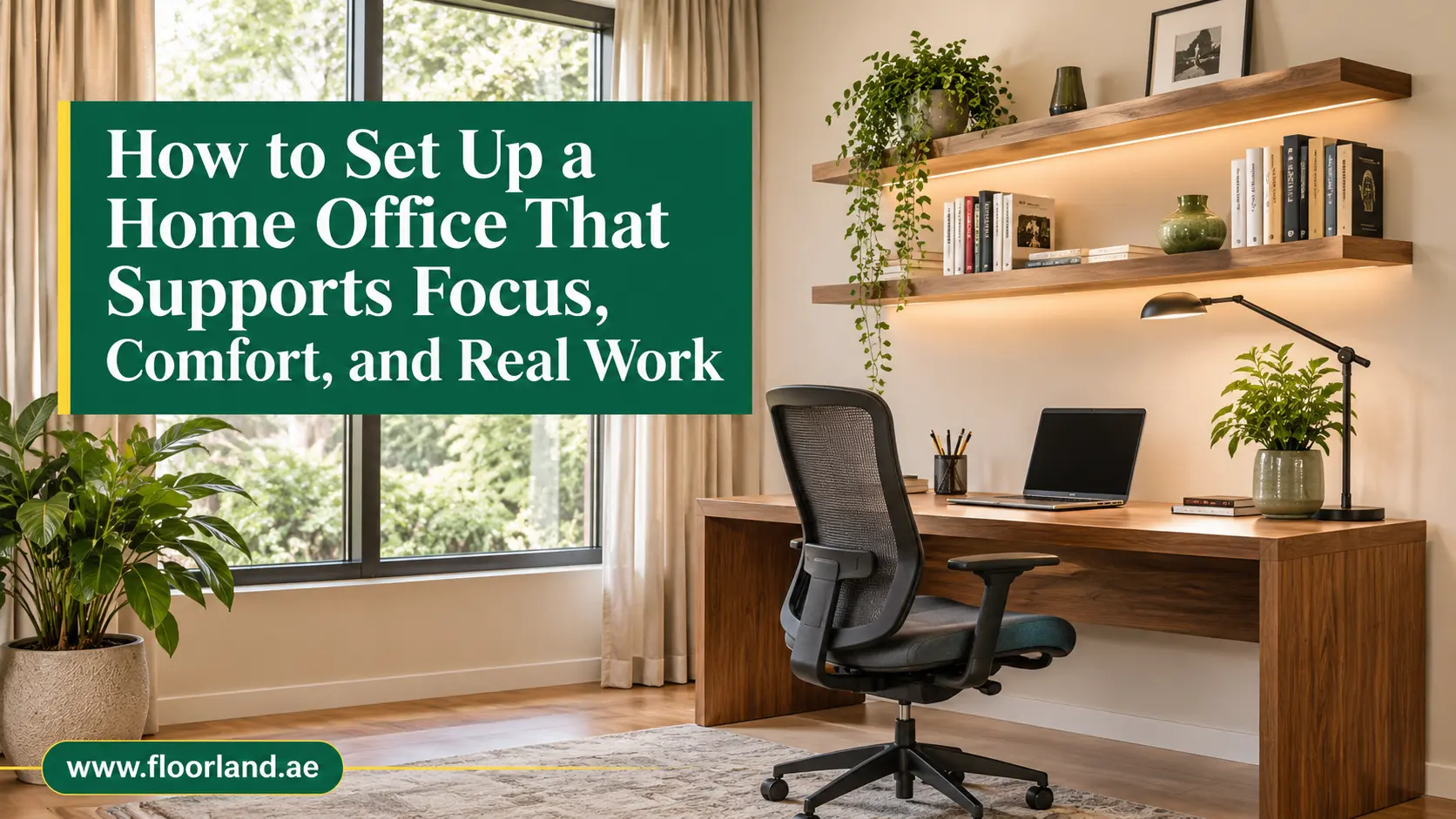
To set up a home office, choose a quiet spot with good daylight, add a chair and desk that fit your body, layer your lighting, control glare and noise, and keep cables and storage tidy. Start with the place you sit, then fix what you see, hear, and feel. Most people can finish the basics in a weekend without a large budget.
That short answer hides a lot of small decisions. A desk in the wrong spot, a chair that rolls badly on your floor, or a window that blinds you at 3 pm can undo an otherwise good workday. Many setup articles list the same tips in a different order. This one follows the order that actually saves money and effort: plan the space, build the workstation, shape the room around it, add the systems that keep it running, and finish with the habits that protect your time.
Read this blog by Floor Land from top to bottom the first time. Each idea builds on the last, so you will not buy a rug before you know where the desk goes.
First Choose and Plan the Space
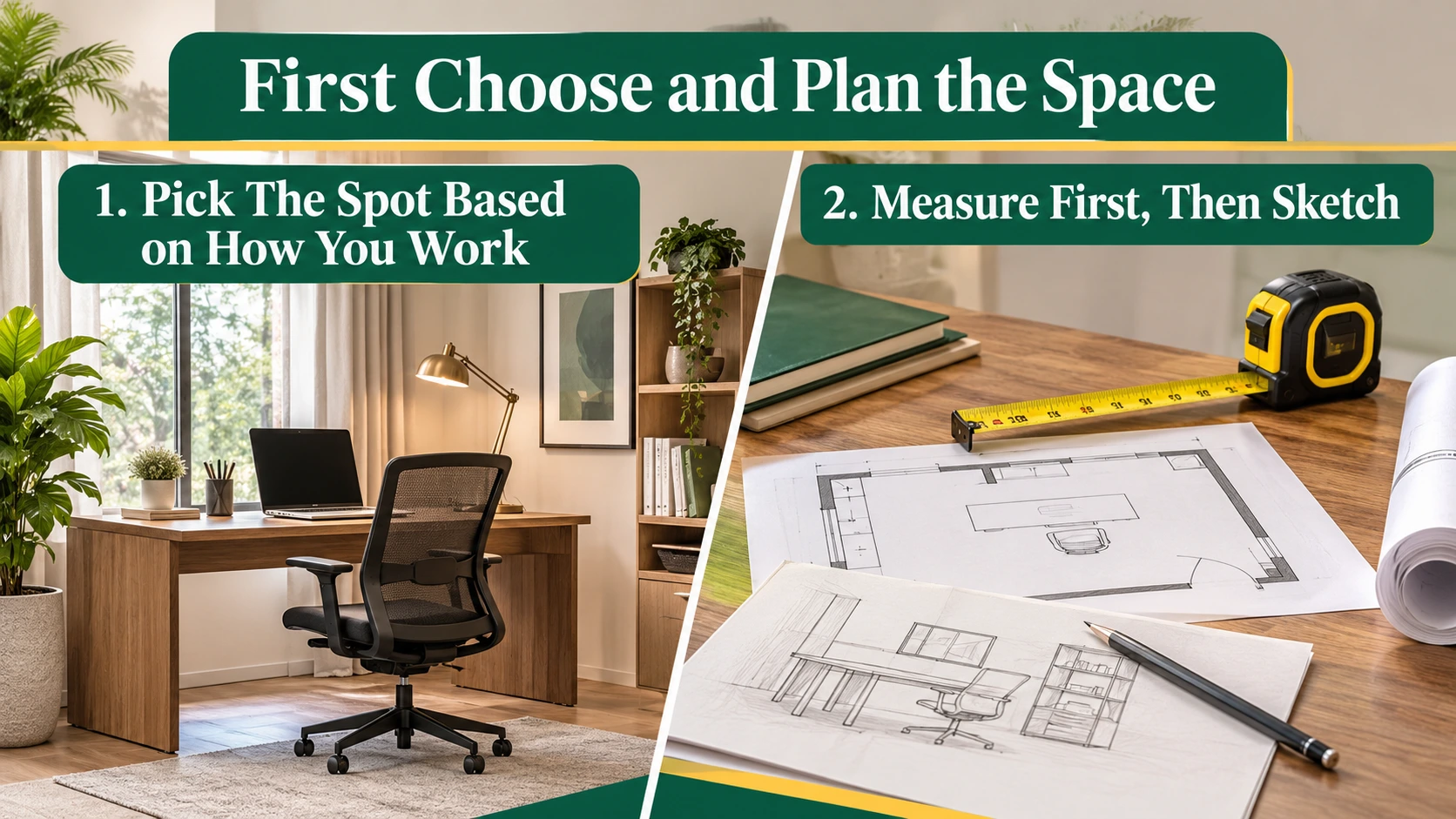
Every good home office begins with a decision about location and size, long before any furniture arrives. Get this part right, and the rest becomes easier. Get it wrong, and you will spend months working around a problem you could have avoided in an afternoon.
1. Pick The Spot Based on How You Work
The right location is the area of your home where your specific kind of work happens with the fewest interruptions. It depends on what you do all day, not on which room looks nicest in photos.
If you spend hours on video calls, you need a door that closes and a quiet wall behind you. If you mostly write, code, or analyze, a bright corner with a pleasant view may serve you better. People who juggle both usually need the quiet room and a window nearby.
Walk through your home at the hours you actually work. Notice where the noise comes from, where the sun lands, and where family traffic flows. A spare bedroom usually wins on quiet. A corner of the living room can work if you accept a few trade-offs, such as sharing the space with the television.
Avoid the bed and the sofa. Your brain links those places with rest, and your back will tell you the difference within a week.
2. Measure First, Then Sketch
Measuring means turning a vague idea of your room into numbers you can trust. It is the cheapest step in the whole project, and it prevents the most common expensive mistake: made to measure furniture that does not fit.
Grab a tape measure and write down the length and width of the area, the window positions, the socket locations, and the way the door swings. Then sketch a rough plan on paper. Ten minutes of drawing saves many returns and several arguments.
Leave at least 90 cm behind the chair so you can stand up and move freely. Keep the desk away from the main walkway, because every passing person pulls your attention. If you can, place it so the window sits to your side rather than in front of or behind the screen. That single decision reduces glare more than any gadget you can buy later.
Mark the socket positions on your sketch as well. A desk that sits three meters from the nearest outlet becomes a tangle of extension leads within a week.
Finally, think about the future. If you expect to add a second screen or a standing desk later, leave room for it now. A plan that allows growth costs nothing today and spares you a full rearrangement next year.
Build a Workstation Your Body Can Live With
With the location settled, you can turn to the part of the room you touch most: the desk and the chair. Treat this as the core of the project, because everything else in the room supports it.
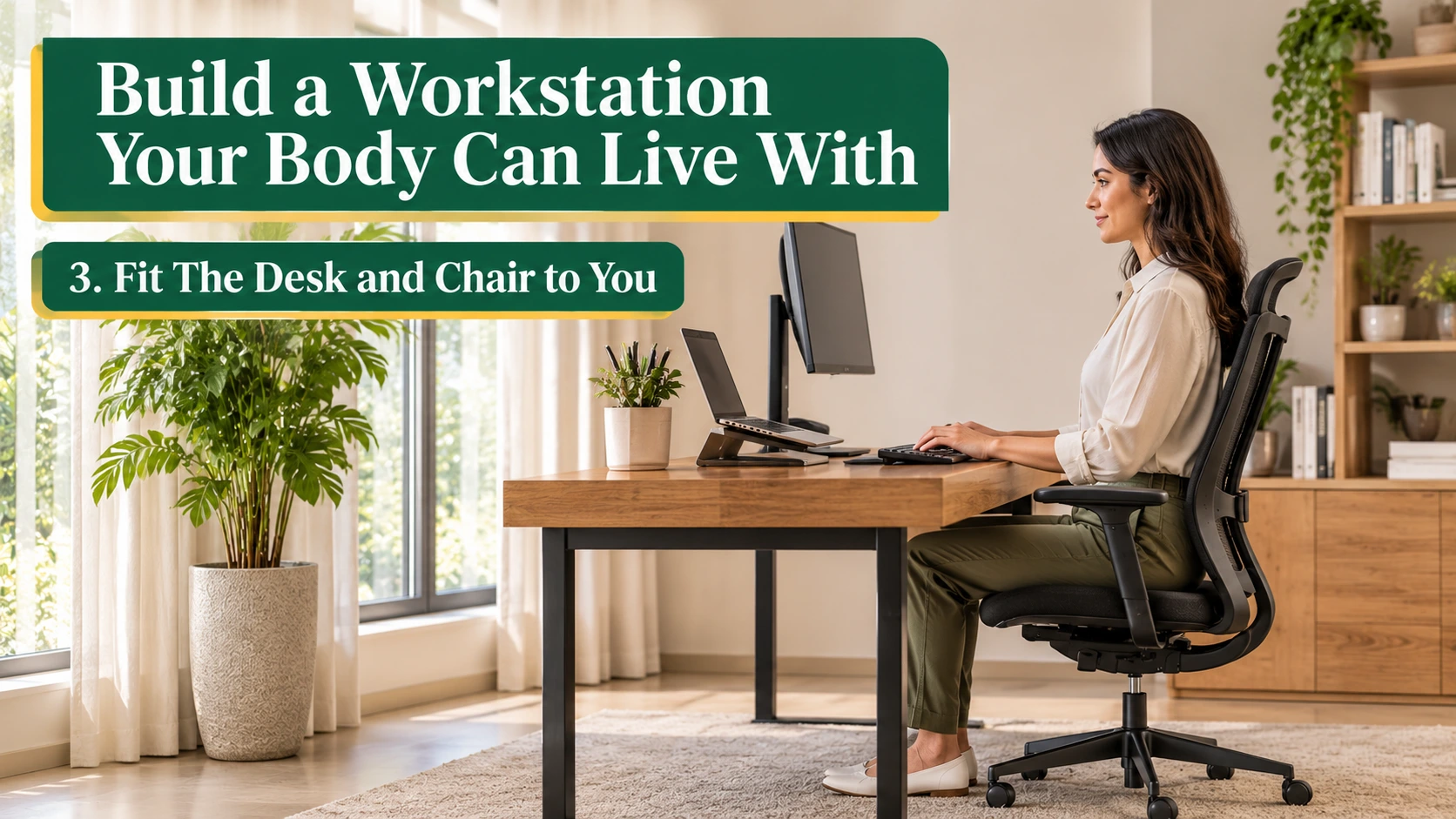
3. Fit The Desk and Chair to You
An ergonomic setup means furniture adjusted to your body, not the other way round. It reduces the small strains that build up over months of sitting and often show up first as a stiff neck or sore wrists.
Sit with your feet flat on the floor, your knees close to a right angle and your elbows around 90 degrees when your hands rest on the keyboard. Your lower back should touch the chair, not hover in the air. If your feet dangle, add a footrest. If the desk feels too high, raise the chair and support your feet instead of hunching your shoulders.
Set the top of your screen at or just below eye level and about an arm’s length away. A laptop riser and a separate keyboard make this possible for laptop users, and they cost far less than a new desk.
Desk depth matters more than most people expect. A shallow desk pushes the screen too close and cramps your forearms. If standard sizes do not fit your corner or your height, a custom-made table can match the exact width, depth, and finish you need.
Spend your largest furniture budget on the chair. You will sit in it more than you will use any other object in your home.
Shape What You See

Once the workstation is in place, the room around it starts to matter. Light, flooring and sound decide how the space feels at 9 am and again at 5 pm. These three upgrades change comfort more than most decorative choices.
4. Light Room in Layers
Good office lighting combines daylight, ambient light, and a focused task lamp, so no single source does all the work. It protects your eyes and keeps your energy steadier through the afternoon.
Daylight is the best base layer, but it moves. A screen that looks perfect at 10 am can turn into a mirror by mid-afternoon. Plan for that shift by sitting with the window to your left or right. Then add a desk lamp with an adjustable arm for reading and writing, plus softer ambient light so the screen isn’t the only bright thing in the room. Neutral white light, roughly 4000K, suits most desk work.
The window itself deserves attention. You want diffused light, not darkness. Sheer layers soften the glare, while heavier fabric helps when the sun hits directly. Well-chosen office curtains give you both options on one rail, so you adjust through the day instead of squinting.
Watch the evening too. Cold, bright light late at night keeps you wired, so switch to a warmer lamp when you work after dinner.
5. Choose a Floor That Works with a Rolling Chair
Your floor is the surface your chair, your feet, and your footsteps meet all day, so it shapes both comfort and noise. A chair drags on thick pile and scratches soft finishes on a hard surface. Both problems wear you down over time.
For a dedicated office, a hard, easy-clean surface suits wheels best. Laminate flooring offers a wood look with good scratch resistance, while SPC and vinyl handle heavy daily rolling and spills without fuss. Pair any hard floor with a chair mat under the desk to protect the finish and make movement smoother.
If you want warmth underfoot and quieter footsteps, think in zones rather than covering the entire room. Carpet tiles let you cover just the work area and swap a single tile if coffee strikes. They also add a small acoustic benefit that bare floors lack.
Whatever you choose, check how it feels barefoot and in socks. You will stand on it during calls more often than you think.
6. Cut Echo and Outside Noise
Acoustic comfort means a room where your voice sounds natural on calls and distant sounds stay in the background. Noise rarely feels dramatic, yet it drains focus all day.
Hard floors, bare walls, and large windows bounce sound around. Your voice sounds hollow on calls, and every distant sound arrives sharper. The fix is almost always soft surfaces. Soundproof curtains minimize street noise at the window, and a rug or carpet zone absorbs echo from below.
On a shared wall, decorative wall panels add texture and help break up reflected sound. A full bookcase against that wall does the same job on a smaller budget.
Seal the gap under the door if household noise leaks in. A cheap draught strip does a surprising amount of work. Finally, test the room by clapping once. If you hear a sharp ring, add more soft material until the sound dies quickly.
Remember that perfect silence is not the goal. A little background sound is natural, and the aim is simply to keep it from competing with your thoughts.
Make the Space Run Smoothly
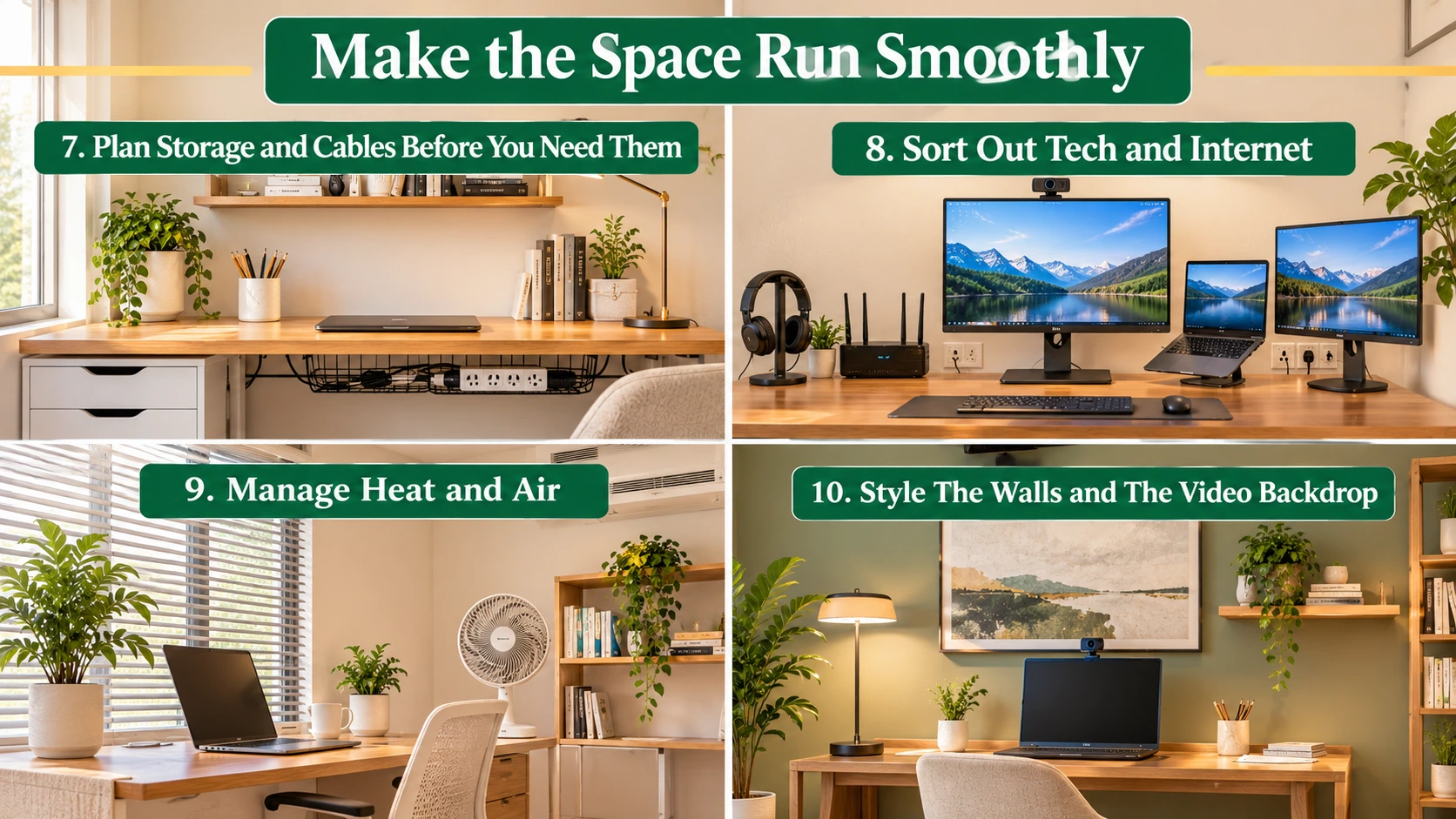
A good-looking room still frustrates you if cables trail across the floor, the internet drops mid-meeting, or the air feels stuffy. This part covers the systems that quietly decide how the day goes.
7. Plan Storage and Cables Before You Need Them
Storage planning means deciding where every item lives before the first deadline arrives. Clutter builds slowly, then takes over in a week, and a cluttered desk makes every task feel heavier.
A shallow drawer unit under the desk and one wall shelf cover most needs. Keep the desk surface for the screen, keyboard, lamp, and one notebook. Everything else earns a home elsewhere. Label boxes or folders if you handle paperwork, and clear the surface at the end of each day.
Route cables along the back edge of the desk with clips or a cable tray so your feet and your vacuum cleaner stay out of trouble. A single power strip mounted under the desk replaces a dozen loose plugs and gives you one switch to turn everything off.
Review the setup every few months. Remove what you never touch, and move what you reach for daily within arm’s length.
8. Sort Out Tech and Internet
Your tech setup covers the devices and connections that keep you in touch with work. When it fails, everything else stops, so it deserves careful planning.
A wired connection beats Wi-Fi for stability on important calls. If cabling is not possible, move the router closer or add a mesh node near the office. Walls, mirrors and even fish tanks weaken signal more than you would expect.
Put power sockets within reach, ideally on a surge-protected strip. A webcam at eye level, a decent headset and a second screen, if your work needs one, complete a setup that rarely needs fixing. Back up important files to a cloud service or an external drive once a week so a single spilled drink never becomes a disaster.
Check your headset and webcam before an important meeting, not during it. Two minutes of testing on a quiet afternoon prevents most of the awkward “can you hear me” moments.
9. Manage Heat and Air
Thermal comfort is the quiet factor behind alertness. A room that is too warm makes you sleepy, and one that is too cold makes you restless, so a steady temperature protects your concentration.
Many people feel comfortable somewhere between 23 and 25 degrees Celsius. Place your desk out of the direct line of the air conditioner so cold air does not blow on your neck. In Dubai, where summer sun can overheat a west-facing room by afternoon, window coverings and a shaded desk position do as much for comfort as the cooling unit itself.
Open a window for a few minutes between calls if the outside air allows it, or run a fan to keep air moving. A plant or two lifts the mood, though it will not purify the air in any meaningful way. Keep plants for how they look and feel.
10. Style The Walls and The Video Backdrop
Your wall color and backdrop shape both your mood and the way colleagues see you. Treat them as part of the setup, not as an afterthought.
What sits behind you on camera speaks for you in meetings. Aim for a tidy shelf, one piece of art or a plain, well-lit wall. Avoid a bright window behind your head, because it turns you into a silhouette. Place a lamp or a window in front of you instead.
Color changes how a room feels over hours. Soft greens, warm neutrals and muted blues tend to keep a workspace calm without making it dull. If the walls look tired or scuffed, a fresh coat from an interior painting service transforms the room faster than any accessory.
Handle Small Spaces and Daily Habits
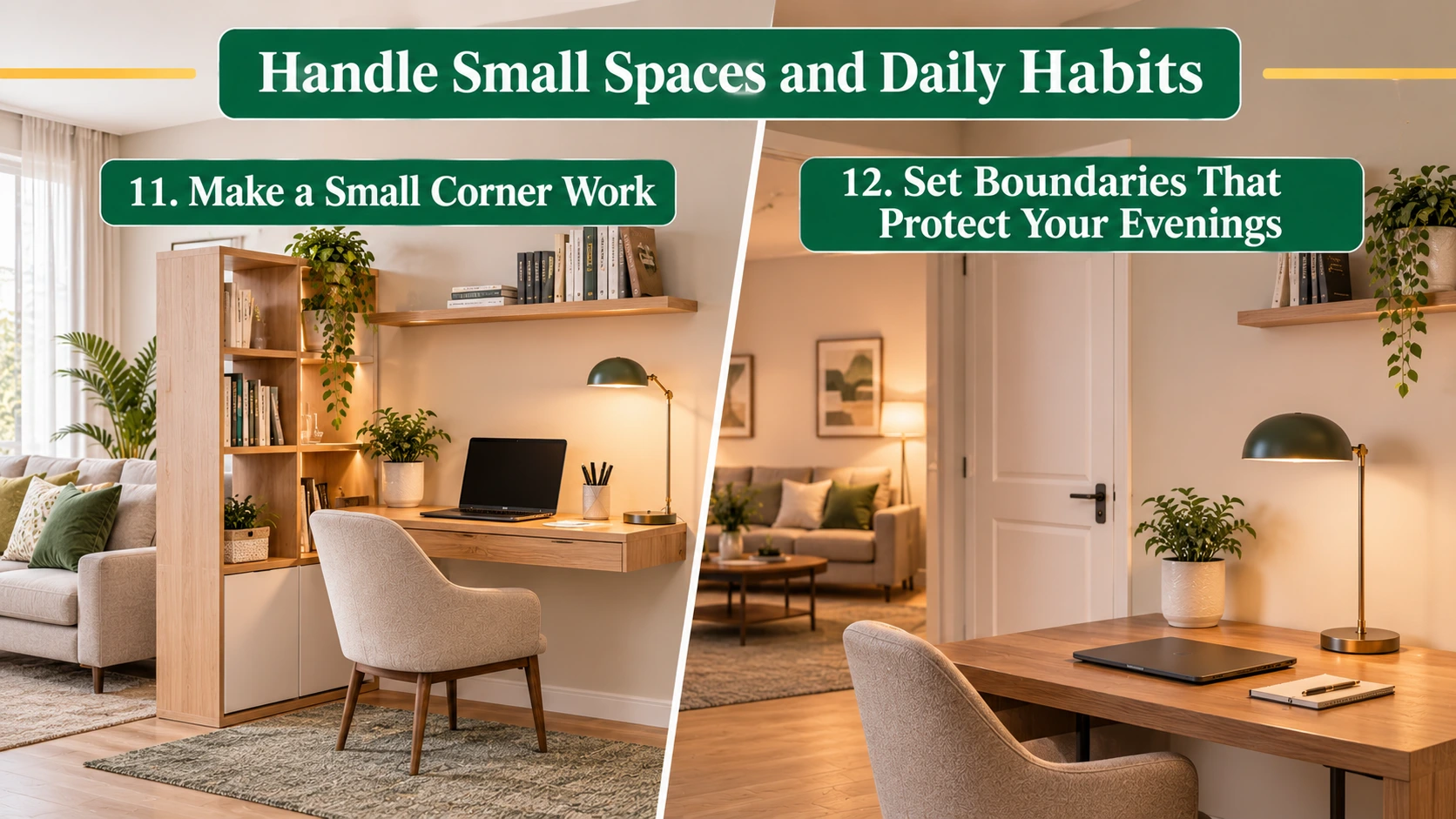
The final part deals with the realities most guides skip. Many people do not have a spare room, and even the best office fails if the workday never ends.
11. Make a Small Corner Work
A small-space office is a workstation that fits into part of another room and disappears when you finish. It proves you do not need a dedicated room to work well.
A wall-mounted fold-down desk, a narrow console, or a slim desk behind the sofa can all create a workspace that vanishes at the end of the day. Choose items that serve two purposes, such as a storage bench or a bookcase that doubles as a divider.
The trick is to define the zone. A small rug, a lamp, and a screen or bookcase tell your brain that this corner means business. Pack away your laptop each evening so the room returns to being a living space. That small ritual stops work from spreading across your home.
12. Set Boundaries That Protect Your Evenings
Boundaries turn a good setup into a sustainable one. Without them, the home office quietly extends your hours and drains the rest of your life.
Choose a start time and a finish time, and tell the people you live with. A closed door or a small sign works well. Create a short shutdown ritual: write tomorrow’s top three tasks, close the laptop, and switch off the desk lamp. The ritual signals to your mind that the day is over.
Protect your body during the day, too. Every 20 minutes, look at something about 20 feet away for 20 seconds to rest your eyes, and stand up at least once an hour. Take a real lunch break away from the screen. These small habits keep the setup you built working for you.
Where to Spend First When the Budget Is Tight
Not every upgrade deserves equal priority, and you do not need to buy everything at once. If funds are limited, use this order:
- A supportive chair and a desk at the right height
- Good task lighting and glare control at the window
- A stable internet connection
- Floor and sound improvements
- Decor and finishing touches
The first three protect your body and your work. The rest makes the space more pleasant and can come later, as your budget allows.
Common Home Office Mistakes to Avoid
Even careful planners fall into a few predictable traps. Watch for these:
- Buying furniture before measuring the room
- Working on the sofa or bed for “just a few hours”
- Placing the screen directly opposite a bright window
- Ignoring echo, which makes calls tiring
- Letting the desk collect items that do not belong to work
- Skipping the chair budget to afford decoration
Final Thoughts
A good home office does not need to be large or expensive. It needs a thoughtful position, furniture that fits your body, and surfaces that handle light and sound well. Fix those things in order, and the room starts to feel like a place where work happens naturally.
Start small this weekend. Measure the space, move the desk away from the glare, and fix the chair height. Then add one improvement at a time, whether that is better light, a quieter floor, or a calmer wall color. Each change stacks on the last, and within a month you will have a workspace you want to sit in.
Frequently Asked Questions
What Do I Need to Set Up a Home Office?
You need a desk, a supportive chair, good lighting, a reliable internet connection, and storage for your documents. Add a laptop stand or monitor, a headset, and glare control for the window, and you cover almost every daily need.
What is The Best Room for a Home Office?
The best room is the quietest one with access to daylight and a door that closes. A spare bedroom is ideal. If that is not available, choose a low-traffic corner away from the kitchen and the television.
How Big Should a Home Office Be?
A workable office needs about 2 to 3 square meters for a desk and chair, plus space to move. Smaller corners still work with a compact desk and wall storage.
What Flooring is Best for a Home Office?
Hard, scratch-resistant floors such as laminate, SPC, or vinyl work best for rolling chairs. Add a chair mat for protection, and use a rug or carpet tiles for a quieter, warmer work zone.
How Do I Reduce Noise in a Home Office?
Use soft materials. Thick curtains, rugs, bookcases, and wall panels absorb sound, and a door seal blocks leaks from the hall.
How Can I Make a Home Office Look Professional on Camera?
Place a light source in front of you, not behind. Keep the backdrop tidy with one or two simple items, and set the camera at eye level.
Can I Set Up a Home Office on a Small Budget?
Yes. Spend first on the chair and lighting, reuse furniture you already own, and add acoustic and flooring upgrades later. A tidy, well-lit desk beats an expensive, cluttered one.